Understanding the Viewing Experience
When you’re considering a 77-inch plus TV, the primary factor to focus on is the viewing experience. A larger screen size means you can enjoy more details and a more immersive picture, but it also requires precise setup to ensure the best visual enjoyment. One of the most crucial aspects of setting up your new TV is determining the optimal viewing distance. This is the distance between your seating position and the TV. The right distance ensures that you can enjoy the full resolution and detail of the screen without any blurriness or pixelation.The Golden Rule: 2.5 to 3 Times the Diagonal
The golden rule for determining the viewing distance is to keep it between 2.5 to 3 times the diagonal measurement of the TV. For a 77-inch TV, this translates to a viewing distance of 192.5 inches to 231 inches. This rule is a good starting point, but it’s important to consider the room size, room layout, and your personal preference. For instance, if you have a 77-inch TV and your living room is 20 feet wide, you might find that 2.5 times the diagonal is too close, and 3 times might be too far. In this case, you should measure the room and adjust accordingly to find the most comfortable distance.Real-World Install/Use Scenarios
Let’s consider a couple of real-world scenarios to help you understand how to apply this rule. Scenario 1: A Large Living Room with a High Ceiling If you have a large living room with a high ceiling, you might want to sit closer to the TV to make full use of its size. For a 77-inch TV, a viewing distance of 192.5 inches (16 feet) would be a good starting point. This distance ensures that the picture is clear and that you can appreciate the full resolution without any blurriness. Scenario 2: A Smaller Living Room with Limited Space If your living room is smaller, you might need to sit farther away to avoid feeling overwhelmed by the large screen. For example, if your living room is 12 feet wide, a 77-inch TV at 3 times the diagonal (231 inches, or 19.25 feet) might be too far. In this case, you could aim for a viewing distance of 2.5 times the diagonal (192.5 inches, or 16 feet).Room Layout and Considerations
In addition to the viewing distance, consider the layout of your room. If you have a couch that is placed directly in front of the TV, you might need to move it back to ensure the optimal viewing distance. Also, consider the placement of other furniture and the overall flow of the room. You want to create a comfortable viewing area that doesn’t feel cramped or too far away.Room Math: A Step-by-Step Guide
To help you calculate the optimal viewing distance, follow these steps: 1. Measure the Room: Measure the width of your living room or the space where you plan to place the TV. Let’s say it’s 18 feet wide. 2. Determine the Diagonal Measurement: For a 77-inch TV, the diagonal measurement is 77 inches. 3. Calculate the Viewing Distance: Multiply the diagonal measurement by 2.5 to 3. For a 77-inch TV, this would be between 192.5 inches (16 feet) and 231 inches (19.25 feet). 4. Adjust for Personal Preference: Measure the room again and adjust the distance based on your personal preference. If you find that 16 feet is too close, you might move the couch back to 19.25 feet.Home Automation and Ecosystem Fit
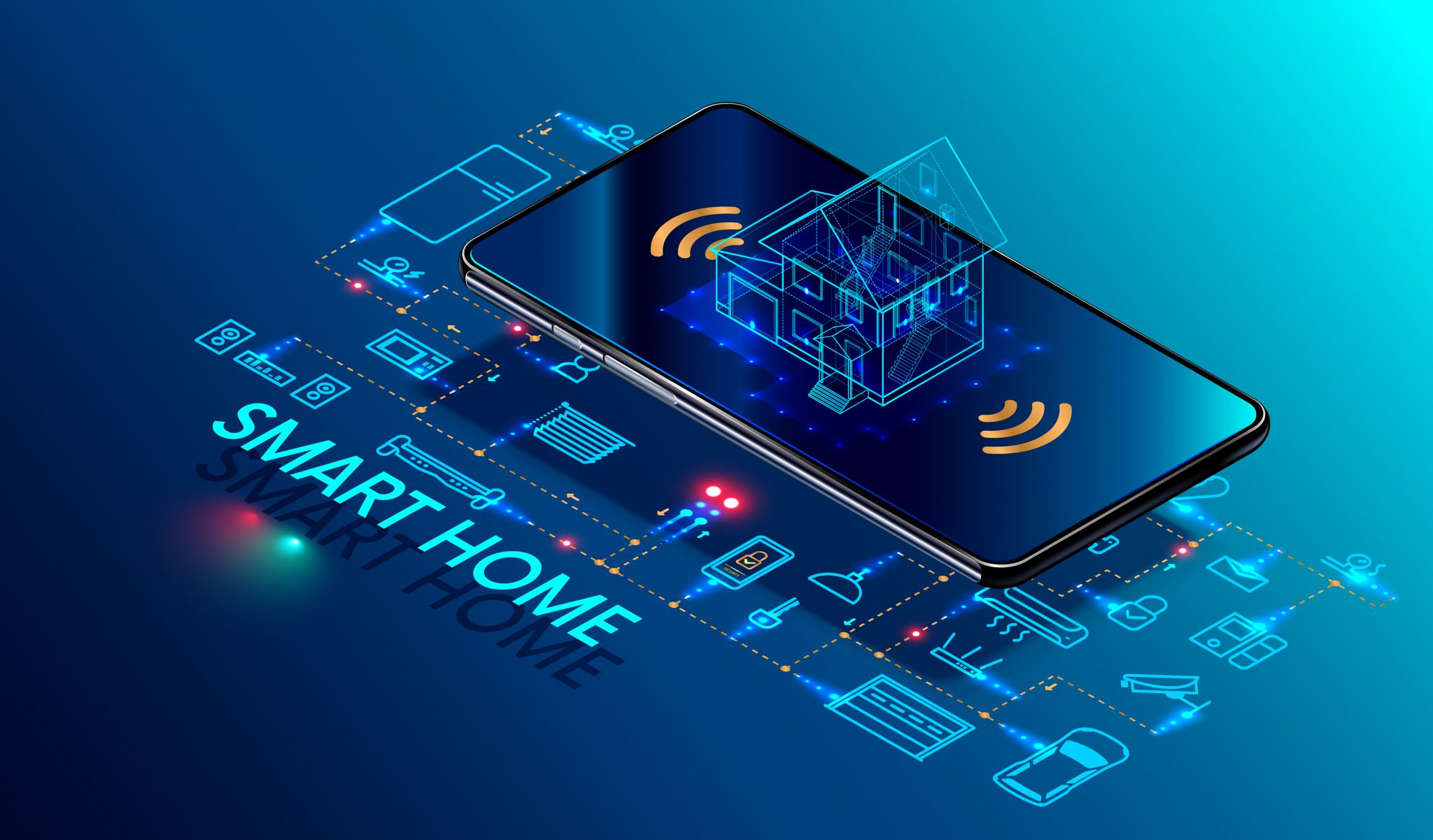
When choosing a 77-inch plus TV, consider how it fits into your home automation ecosystem. Many modern TVs support various smart home protocols, such as Matter, HomeKit, Alexa, and Google Home. For example, the Samsung QN90A and LG CX series are known for their strong support of smart home integration. Samsung QN90A: This model supports Matter, which is a new protocol for smart home devices. It also has built-in voice control via Alexa and Google Assistant, making it a versatile choice for home automation. LG CX Series: The LG CX series supports HomeKit, making it a great choice for Apple users. It also has Alexa and Google Assistant support, ensuring compatibility with a wide range of smart home devices. Conclusion Choosing the right 77-inch plus TV involves more than just selecting a large screen. It’s about finding the right balance between screen size, viewing distance, and room layout. By following the golden rule of 2.5 to 3 times the diagonal and considering your room’s dimensions and layout, you can ensure the best viewing experience. And with the right home automation features, you can integrate your new TV ly into your smart home ecosystem.Buying Notes and Considerations
When selecting a 77-inch plus TV, consider the panel technology and refresh rate. OLED panels offer deep blacks and excellent contrast but can be more expensive. LED TVs with QLED technology provide vibrant colors and are generally more affordable. A higher refresh rate of at least 120Hz is ideal for smooth motion, especially for gaming and sports.
Check the TV’s connectivity options to ensure compatibility with your current devices. A 77-inch TV should have multiple HDMI ports, USB ports, and possibly an Ethernet port for wired internet. Consider the inclusion of Wi-Fi and Bluetooth for streaming and wireless connectivity.
While a larger TV can enhance the viewing experience, it’s important not to overlook the importance of sound quality. Look for TVs with built-in high-quality sound systems or options for external soundbars. Some models also support Dolby Atmos or DTS:X for immersive audio.
Lastly, consider the warranty and customer service. A good warranty can provide peace of mind, and reliable customer support can be crucial if you encounter any issues. Check the manufacturer’s reputation and read reviews from previous customers to ensure you get a quality product.


Discussion
Sign in to join the discussion. Vote, reply, and follow industry conversations.
Loading comments…