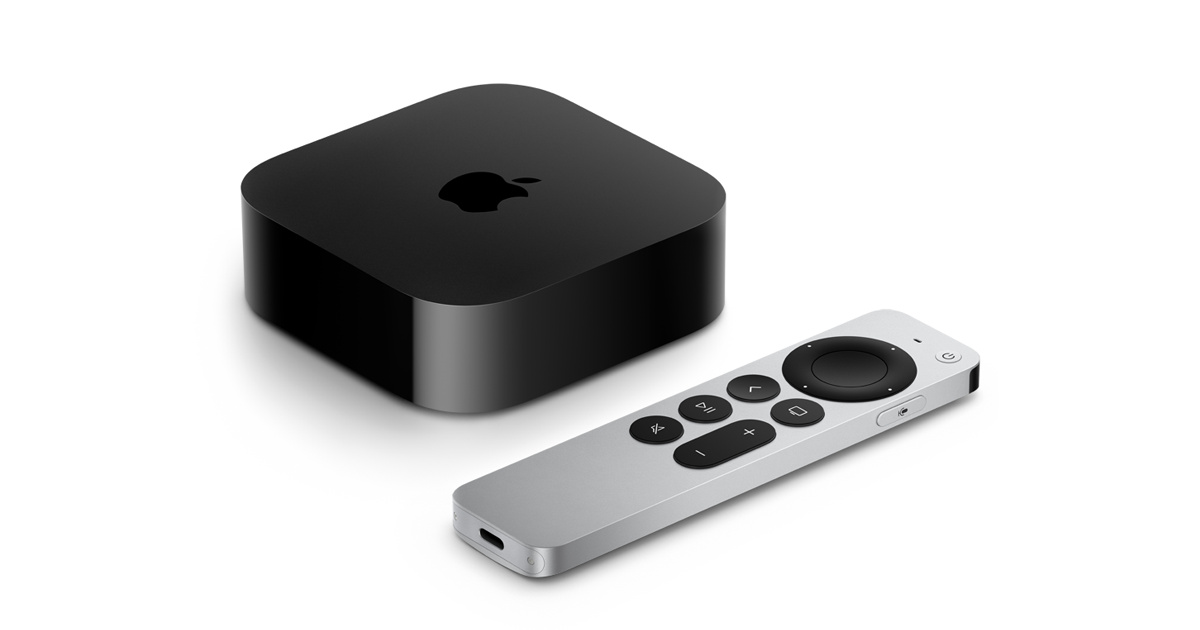
The Apple HomePod is more than just a smart speaker; it serves as a crucial anchor in your HomeKit ecosystem. As a centerpiece for your connected home, the HomePod offers unparalleled audio quality and integration with Apple’s ecosystem. However, it also has its limitations when it comes to compatibility with other smart home platforms. Let’s explore its strengths and boundaries.
Strengths of the Apple HomePod as a HomeKit Anchor
The HomePod is a powerful speaker with a 7-speaker array and a powerful A13 Bionic chip. This combination provides exceptional sound quality, making it an excellent choice for music lovers and audiophiles. Its ability to adapt its sound based on the room it’s in, known as Room EQ, further enhances the listening experience. The HomePod can also be used as a central control point for your HomeKit setup, offering voice control through Siri for a wide range of smart home functions.
One of the HomePod’s standout features is its ability to act as a bridge between your Apple devices. It can serve as a speaker for your iPhone, iPad, or Mac, providing a more immersive audio experience. Additionally, the HomePod supports HomeKit accessories, allowing you to control various smart devices with voice commands. For instance, you can ask Siri to turn off the lights or adjust the thermostat, all while enjoying your music.
Limits and Challenges
While the HomePod is a formidable device, it does have some limitations. One of the main challenges is its compatibility with other smart home platforms. Although the HomePod can integrate with Google Home and Alexa devices through third-party apps, this process can be cumbersome and may not offer the same level of integration as with HomeKit.

Another limitation is the cost. At $349, the HomePod is not the most affordable option on the market. If you’re looking for a budget-friendly solution, there are other smart speakers available from brands like Google, Amazon, and Samsung that offer similar features at lower price points. However, the HomePod’s premium audio quality and integration with Apple’s ecosystem may make it worth the investment for some users.
Lastly, the HomePod’s reliance on Siri for voice control can be a drawback. While Siri is generally reliable, it may not always understand commands or provide the same level of natural language processing as other virtual assistants. This can be particularly frustrating if you’re trying to control your smart home devices and find that Siri doesn’t always get it right.
Conclusion
The Apple HomePod is a versatile and powerful smart speaker that excels in audio quality and HomeKit integration. However, it does come with some limitations, particularly in terms of compatibility with other smart home platforms and its higher price point. If you’re an Apple user and prioritize high-quality audio and integration with your smart home devices, the HomePod is definitely worth considering. Otherwise, there are other options available that may better fit your needs and budget.
Alternative Integration Options
For users who prefer a more comprehensive smart home ecosystem, the HomePod can be integrated with non-Apple devices through third-party apps and services. For example, you can use the Home app to control smart devices from other manufacturers, such as Philips Hue lights or Nest thermostats. However, this integration often requires a bit more setup and may not be as intuitive as using Siri directly.
Another option is to use the Home app to create a central hub for your smart home devices, regardless of brand. This app allows you to control all your connected devices from one interface, making it easier to manage your smart home setup. However, this approach requires more setup and maintenance compared to using the HomePod alone.
Buying Notes and Considerations
When purchasing a HomePod, it’s important to consider the compatibility of your existing smart home devices. Ensure that they are compatible with HomeKit or can be integrated through third-party apps. This will help you avoid any potential issues down the line.
Additionally, while the HomePod is a standalone device, it can be paired with other HomePods or HomePod Mini units to create a multi-speaker setup. This feature, known as Spatial Audio, enhances the listening experience by creating a more immersive sound environment. However, this setup requires additional devices and may increase the overall cost.
Lastly, the HomePod’s design and build quality are top-notch, making it a visually appealing addition to any home. However, its large size and price point may not be suitable for all living spaces or budgets. If you have the room and the budget, the HomePod can be a beautiful and functional addition to your home entertainment system.
Buying Notes and Considerations
When purchasing a HomePod, consider the size and placement in your home. The HomePod is a tall, cylindrical device that can fit in a variety of spaces but may not be ideal for small rooms or those with limited space. Ensure that the location you choose will provide the best sound quality, as the HomePod is designed to work best in open spaces.
Apple offers a one-year limited warranty on the HomePod, which covers defects in materials and workmanship. This warranty is transferable if you sell your HomePod, making it a good investment if you plan to keep it for an extended period. However, for extended coverage, you may need to purchase an AppleCare+ plan.
Keep in mind that the HomePod requires a Wi-Fi connection to function. Ensure that your home network has sufficient bandwidth and stability to support the device, especially if you plan to use it for high-quality audio streaming or voice commands. A fast and reliable internet connection will enhance the overall user experience.
Lastly, if you are considering multiple HomePods for a multi-room audio setup, be aware that the Home app requires a Mac or iPhone to manage the devices. This might be a limitation if you prefer to use a different smartphone or computer for managing your smart home setup.




Discussion
Sign in to join the discussion. Vote, reply, and follow industry conversations.
Loading comments…