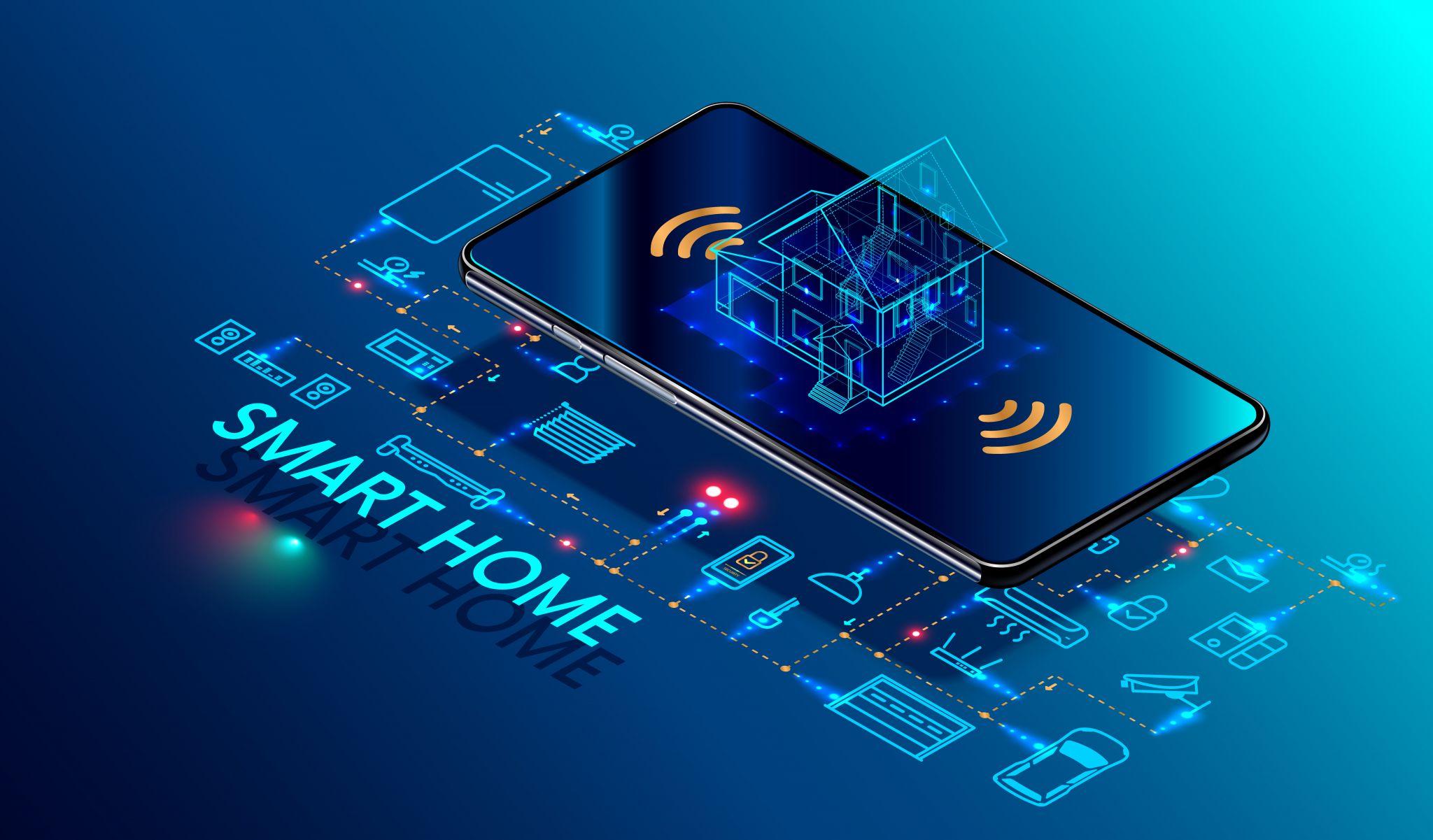
Are you ready to take control of your energy usage and see a significant reduction in your utility bills? Energy monitoring smart plugs are an excellent investment, offering detailed insights into your home’s energy consumption and helping you save money in the long run. In this article, we’ll explore the top models that can pay for themselves within a year, focusing on their compatibility with popular home ecosystems and real-world installation scenarios.
Top Energy Monitoring Smart Plugs
Several brands offer energy monitoring smart plugs that not only help you manage your home’s energy use but also provide detailed data that can be used to optimize your consumption. Here are some of the best options:
- TP-Link Kasa Smart Plug Mini – A budget-friendly option with basic energy monitoring features. It’s compatible with TP-Link’s Kasa app and Alexa.
- Wink Smart Plug – Offers advanced energy monitoring and can be controlled via Wink’s app, Alexa, and Google Home.
- Belkin Smart Plug – Known for its reliability and detailed energy usage tracking. Compatible with Amazon Alexa and Google Home.
- Ecobee Smart Plugs – Part of the Ecobee ecosystem, these plugs offer comprehensive energy monitoring and integration with Ecobee’s thermostat for enhanced energy management.
Real-World Install and Use Scenarios
Installing and using energy monitoring smart plugs is straightforward. Here’s a step-by-step guide:
Step 1: Determine Your Needs – Identify which devices you want to monitor. For instance, if you have a washing machine, dryer, or air conditioner, these are prime candidates for energy monitoring.

Step 2: Choose the Right Plug – Based on your needs, select a smart plug that fits your requirements. For example, the TP-Link Kasa Smart Plug Mini is great for simple monitoring, while the Ecobee Smart Plugs offer more advanced features.
Step 3: Install the Plug – Turn off the power, plug in the smart plug, and follow the manufacturer’s instructions. Most plugs come with a pre-installed fuse and are easy to install.
Step 4: Monitor and Adjust – Use the accompanying app to monitor your energy usage. You can set schedules, turn devices on and off remotely, and even receive alerts when energy usage is high.
Ecosystem Fit and Compatibility
When choosing a smart plug, it’s important to consider its compatibility with your existing home ecosystem. Here’s a breakdown of compatibility for the models mentioned:
- TP-Link Kasa Smart Plug Mini – Compatible with TP-Link’s Kasa app and Alexa. Not compatible with Apple HomeKit.
- Wink Smart Plug – Compatible with Wink’s app, Alexa, and Google Home. Not compatible with Apple HomeKit.
- Belkin Smart Plug – Compatible with Amazon Alexa and Google Home. Not compatible with Apple HomeKit.
- Ecobee Smart Plugs – Part of the Ecobee ecosystem, compatible with Ecobee’s thermostat and app. Not compatible with Apple HomeKit.
While these models may not be compatible with Apple HomeKit, they still offer energy monitoring and control features that can significantly reduce your energy costs. For Apple HomeKit users, the Wink Smart Plug and Ecobee Smart Plugs are viable alternatives, though they may require additional setup.
Cost Savings and Payback Period
According to industry studies, energy monitoring smart plugs can help you save up to 20% on your energy bills. By monitoring and adjusting your usage, you can identify high-energy-consuming devices and reduce unnecessary power usage. For example, if you have a dryer that you only use a few times a week, you can schedule it to run during off-peak hours when electricity rates are lower.
Let’s consider a scenario where you install the TP-Link Kasa Smart Plug Mini in your dryer. Assuming an average dryer costs $0.30 per kilowatt-hour (kWh) and runs for 30 minutes at full load, you can save approximately $0.15 per use. If you use the dryer 20 times a month, you can save $30 per year. In this case, the TP-Link Kasa Smart Plug Mini, priced around $25, would pay for itself in less than a year.
For more advanced features, the Ecobee Smart Plugs, priced around $50, offer a longer payback period but provide more detailed energy monitoring and integration with your thermostat. By using these plugs, you can save up to $100 per year, making them a worthwhile investment.
Remember, the key to achieving significant cost savings is consistent use and monitoring. By setting up schedules and using the app to track your energy usage, you can identify areas where you can reduce waste and save money.
Conclusion
Energy monitoring smart plugs are a practical and cost-effective way to reduce your energy consumption and lower your utility bills. Whether you choose a basic model like the TP-Link Kasa Smart Plug Mini or a more advanced option like the Ecobee Smart Plugs, you can start seeing savings within a year. By monitoring your energy usage and making adjustments, you can take control of your home’s energy consumption and contribute to a more sustainable future.
Investing in energy monitoring smart plugs is a smart choice for any homeowner looking to save money and reduce their environmental impact. With the right devices and a little bit of monitoring, you can start enjoying the benefits of smart home technology today.





Discussion
Sign in to join the discussion. Vote, reply, and follow industry conversations.
Loading comments…