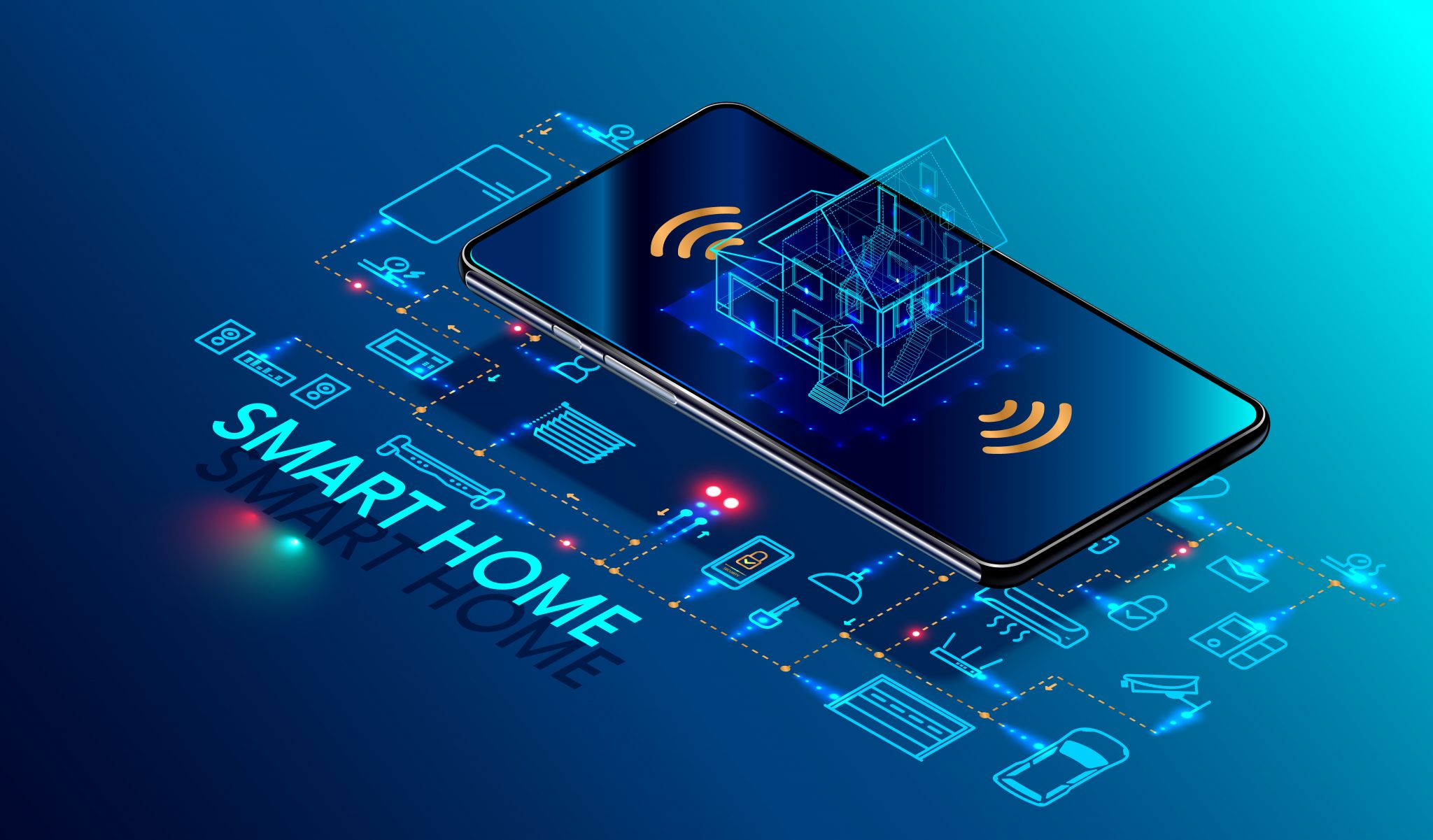
As you embark on your smart home journey, one critical aspect often gets overlooked: the privacy settings of your voice assistants. These settings can significantly impact your security and privacy, especially when you're investing in premium connected gear. Here’s why you should adjust these settings right out of the box and how to do it effectively for popular voice assistants.
Why Privacy Settings Matter
When you first set up your smart home, you might be eager to enjoy the convenience and functionality of your devices. However, voice assistants like Alexa, Google Home, and Apple HomeKit can inadvertently become listening devices, recording your conversations and activities. While these companies assure us that this data is used only for improving your experience, it's crucial to understand and adjust the privacy settings to fit your comfort level.
Adjusting Privacy Settings for Alexa
For Amazon Alexa devices, the first step is to log into your Amazon account. Once logged in, navigate to your Alexa app and select "Privacy" from the menu. Here, you can enable or disable certain features like "Always On" and "Wake Word." The "Always On" setting means Alexa is always listening, which can be convenient but also a privacy concern. Disabling it means Alexa only listens when you say the wake word, such as "Alexa."
Additionally, check the "Device Access" section to ensure that only trusted devices and skills are enabled. This can help prevent unauthorized access to your home's smart devices. Lastly, review the "Data" section to understand what data is being collected and how it's being used. Remember, you can always adjust these settings later, but it's best to set them to your preference from the start.

Google Home Privacy Settings
Google Home devices also offer privacy controls. After setting up your device, go to the Google Home app and select "Privacy." Here, you can manage how your voice is processed and stored. You can choose to have your voice processed locally on your device or sent to Google for processing. The local option reduces the amount of data sent to Google but may not provide the best experience for voice commands.
Another important setting is "Google Assistant can make inferences." This feature allows Google Assistant to make connections between different queries to provide more relevant responses. Disabling this can enhance your privacy but may reduce the assistant's effectiveness. Lastly, review the "Data" section to understand how Google uses your voice data and other personal information. Remember, you can always change these settings later, but it's best to set them to your comfort level from the start.
Apple HomeKit Privacy Settings
Apple's HomeKit devices, including HomePod and Siri, have different privacy controls compared to Amazon and Google devices. After setting up your device, go to the "Settings" app and select "Siri & Search." Here, you can enable or disable Siri, and choose how Siri handles your requests. You can also manage your privacy settings in the "Privacy" section of the "Settings" app.
Under "Privacy," you can control how often Siri listens for a wake word, and you can also manage which apps can access your location and other sensitive information. It's important to note that Apple's privacy controls are more integrated into the device itself, so you don't need to go through a separate app to adjust these settings. Always review these settings to ensure your privacy is protected.
Conclusion
While voice assistants offer incredible convenience, it's crucial to take a proactive approach to their privacy settings. Whether you're using Alexa, Google Home, or Apple HomeKit, taking the time to customize these settings can provide you with peace of mind and better control over your smart home. Remember, you can always adjust these settings later, but setting them up right from the start can help prevent any future privacy concerns.
Common Trade-Offs to Consider
Adjusting privacy settings often involves trade-offs. For instance, disabling the "Always On" feature on Alexa means it won’t respond to commands when not activated, which can be inconvenient. Similarly, choosing to process voice data locally on Google Home can improve privacy but might reduce the accuracy of voice commands. On Apple devices, disabling Siri can prevent it from listening for commands, which might limit its convenience.
Buying Notes for Voice Assistants
When purchasing a voice assistant, consider the brand’s privacy policies and how they handle user data. Look for devices that offer granular control over privacy settings and clear documentation on how data is used. Additionally, ensure that the device supports the latest privacy settings and updates. Some devices might have outdated features or lack certain privacy controls, so always check the specifications and reviews before making a purchase.
Lastly, consider the physical security of your voice assistant. Place it in a location where it’s not easily accessible to unauthorized individuals. This is particularly important for children’s rooms or areas where sensitive conversations might occur. By being mindful of these aspects, you can enjoy the benefits of a smart home while maintaining your privacy and security.
When choosing a voice assistant, pay attention to the manufacturer's commitment to privacy and security. Companies like Apple and Google have more transparent privacy policies, while others might be less forthcoming about their data practices. Always read the fine print and check if the device supports end-to-end encryption for voice data.
Consider the physical location of your voice assistant. Placing it in a central location can enhance its functionality, but it may also make it more accessible to unauthorized users. If you have children or guests, consider a device with child lock or parental controls to restrict access to certain functions.
Keep your voice assistant software updated to ensure you have the latest security patches and privacy improvements. Manufacturers regularly update their devices to address any vulnerabilities, so make sure to check for updates regularly and install them as soon as they become available.
Lastly, be mindful of the ecosystem you are integrating your voice assistant into. If you are using multiple smart home devices from different manufacturers, ensure they all support the same privacy settings and protocols. This can help maintain a consistent level of security across your smart home.
Final Thoughts
By taking the time to adjust and understand the privacy settings of your voice assistant, you can enjoy the convenience of a smart home while protecting your privacy and security. Remember, these settings are not set in stone and can be adjusted as needed. Stay informed and proactive to ensure your smart home remains a safe and secure space.




Discussion
Sign in to join the discussion. Vote, reply, and follow industry conversations.
Loading comments…