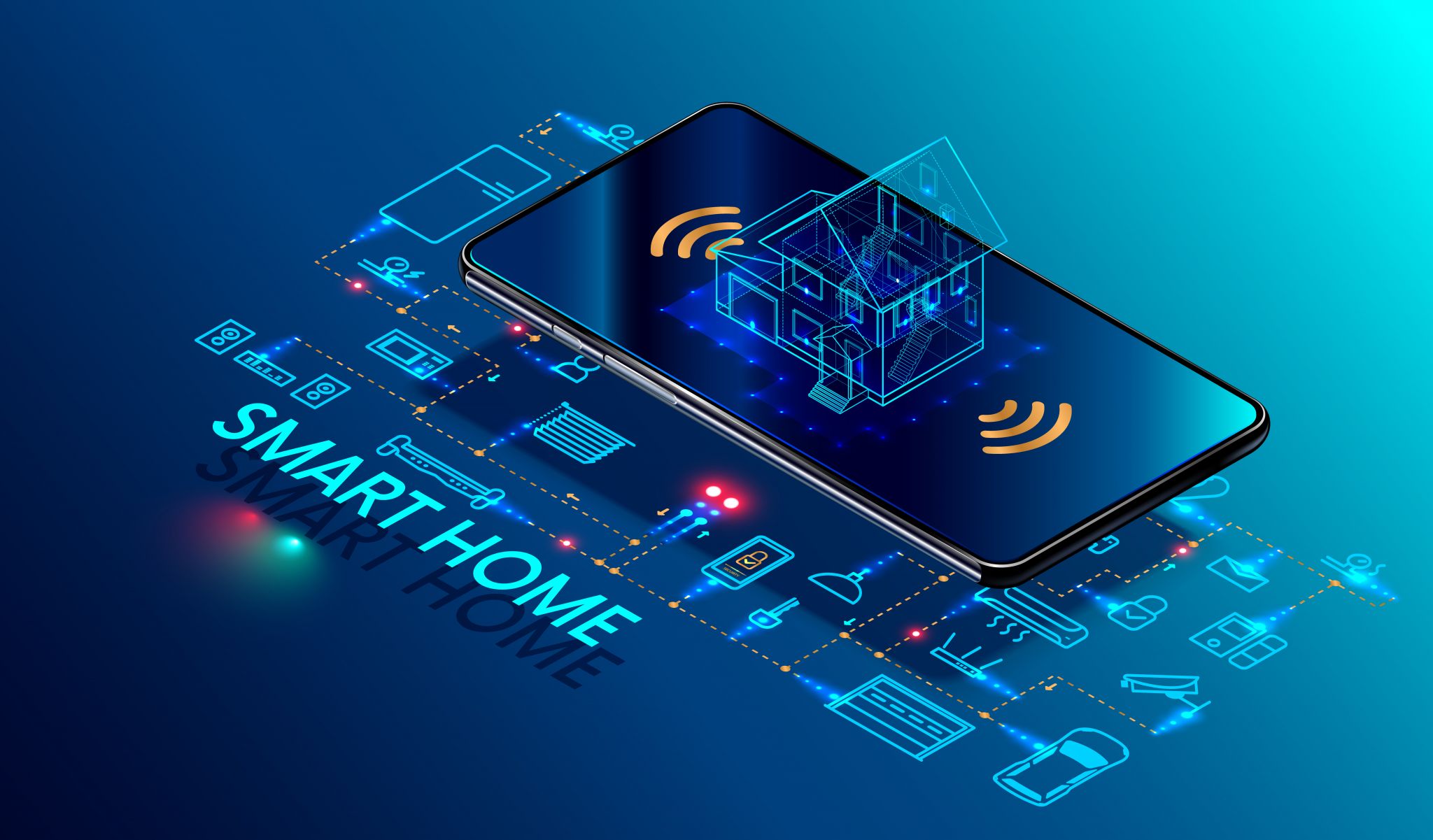
Building a smart home ecosystem can be a daunting task, especially when it comes to ensuring that all your devices work ly together. One of the most crucial components in creating a reliable and efficient smart home network is the mesh router. A mesh router allows you to cover larger areas while maintaining strong signal strength and connectivity. But what if you could use your existing smart devices to act as thread border routers, enhancing your mesh network without breaking the bank? Let’s dive into how you can make your smart home even smarter.
What Are Thread Border Routers?
Thread border routers are a type of device that can extend the range and reliability of a mesh network. These devices can be any smart device that supports the Thread protocol, such as smart bulbs, plugs, or thermostats. By acting as border routers, these devices help bridge the gap between your mesh network and other devices, ensuring that your smart home remains connected and responsive.
Which Devices Can Serve as Thread Border Routers?
Several smart devices you already own can serve as thread border routers, depending on the brand and model. Here are some popular options:
Philips Hue Smart Bulbs and Smart Plug
Philips Hue is a well-known brand in the smart home market. Their smart bulbs and smart plug are not only great for lighting and power management but can also act as thread border routers. The Philips Hue Bridge 2.0 is specifically designed to work with the Thread protocol, making it an ideal choice for extending your mesh network. The cost of a single Philips Hue Bridge 2.0 is around $50, making it a cost-effective solution for enhancing your smart home network.

TP-Link Kasa Smart Plug
TP-Link’s Kasa Smart Plug is another excellent option for serving as a thread border router. The Kasa Plug is compatible with both Wi-Fi and Thread, and it can be controlled via the Kasa app. While it doesn’t explicitly state that it serves as a border router, it can certainly help extend your network coverage. The Kasa Smart Plug is available for around $15, making it an affordable addition to your smart home setup.
Ecobee Smart Thermostat
The Ecobee Smart Thermostat is a versatile device that can serve multiple purposes in your smart home. In addition to temperature control, it can also act as a Thread border router. Ecobee’s thermostats are designed to work with the Thread protocol, making them a valuable addition to your mesh network. The cost of an Ecobee Smart Thermostat is around $200, which might seem steep, but it provides a lot of functionality and can be a significant investment in your smart home’s infrastructure.
How Do Thread Border Routers Enhance Your Smart Home?
Using your existing smart devices as thread border routers can significantly enhance your smart home’s mesh network. Here are some ways these devices can improve your home automation:
Extended Coverage
Thread border routers can help extend the range of your mesh network, ensuring that your smart devices remain connected even in areas with weak signal strength. This is particularly useful in larger homes or those with multiple floors.
Better Connectivity
By serving as border routers, your devices can help maintain strong connectivity between your smart home devices. This ensures that your smart lights, thermostats, and other devices operate smoothly, even when they are far from the main router.
Improved Energy Efficiency
Smart devices that act as border routers can help optimize your home’s energy usage. For example, the Ecobee Smart Thermostat can learn your heating and cooling preferences and adjust them accordingly, leading to more efficient energy consumption.
Which Ecosystems Are Compatible with Thread Border Routers?
While thread border routers can enhance your smart home network, it’s important to consider which ecosystems are compatible with these devices. Here’s a breakdown:
HomeKit
Apple’s HomeKit ecosystem is compatible with Thread devices. However, not all HomeKit devices support the Thread protocol. To ensure compatibility, you should look for devices that explicitly mention support for Thread in their specifications.
Amazon Alexa
Amazon Alexa devices are compatible with the Thread protocol, but you may need to use third-party devices as border routers. The Philips Hue Bridge 2.0 and Ecobee Smart Thermostat are both compatible with Amazon Alexa and can serve as thread border routers.
Google Home
Google Home devices are compatible with Thread, and you can use devices like the Ecobee Smart Thermostat as border routers. However, the Philips Hue Bridge 2.0 is not compatible with Google Home, so you might need to explore other options if you primarily use Google Home.
Conclusion
Using your existing smart devices as thread border routers can significantly enhance your smart home’s mesh network, providing extended coverage, better connectivity, and improved energy efficiency. By leveraging the capabilities of devices like the Philips Hue Bridge 2.0, TP-Link Kasa Smart Plug, and Ecobee Smart Thermostat, you can create a more and reliable smart home ecosystem without spending a fortune. Start by identifying which of your current devices support the Thread protocol and see how they can help boost your smart home’s performance.
Buying Notes
When choosing a device to act as a thread border router, consider your specific needs and budget. For instance, if you're looking for a cost-effective solution, the TP-Link Kasa Smart Plug is an excellent choice. However, if you require more advanced features such as temperature control and energy management, the Ecobee Smart Thermostat is a better investment, despite its higher price.
Additionally, ensure that the device you choose is compatible with your existing smart home ecosystem. For example, if you primarily use Amazon Alexa or Google Home, make sure the device supports the necessary protocols. This compatibility will help you integrate the device ly into your current setup without causing any disruptions.
It’s also important to check the device’s firmware and updates. Devices that receive regular firmware updates are more likely to be compatible with future versions of the Thread protocol and other smart home technologies, ensuring long-term compatibility and performance.
Lastly, consider the device’s power consumption. Some devices, like the Ecobee Smart Thermostat, may draw more power, which could affect your energy bills. Opting for devices with low power consumption can help you save on electricity costs in the long run.
By carefully selecting and integrating thread border routers into your smart home, you can significantly enhance your home automation capabilities while keeping your expenses in check.





Discussion
Sign in to join the discussion. Vote, reply, and follow industry conversations.
Loading comments…